Step 1
Lovable + Shopify
This is how you get paid. Start in Lovable, connect Shopify from the chat, and you have your own payout gateway before your first video.
You build your own payment gateway in Lovable + Shopify
This site does not take payments for you. You set up your own payment gateway: open a Lovable project, type "connect Shopify" in the chat, and Lovable creates or links the store and wires the checkout for you — no settings pages, no API keys, no developer stuff. That store is where your payouts land and where every payment is recorded.
Watch how it works
Four steps, start to paid.
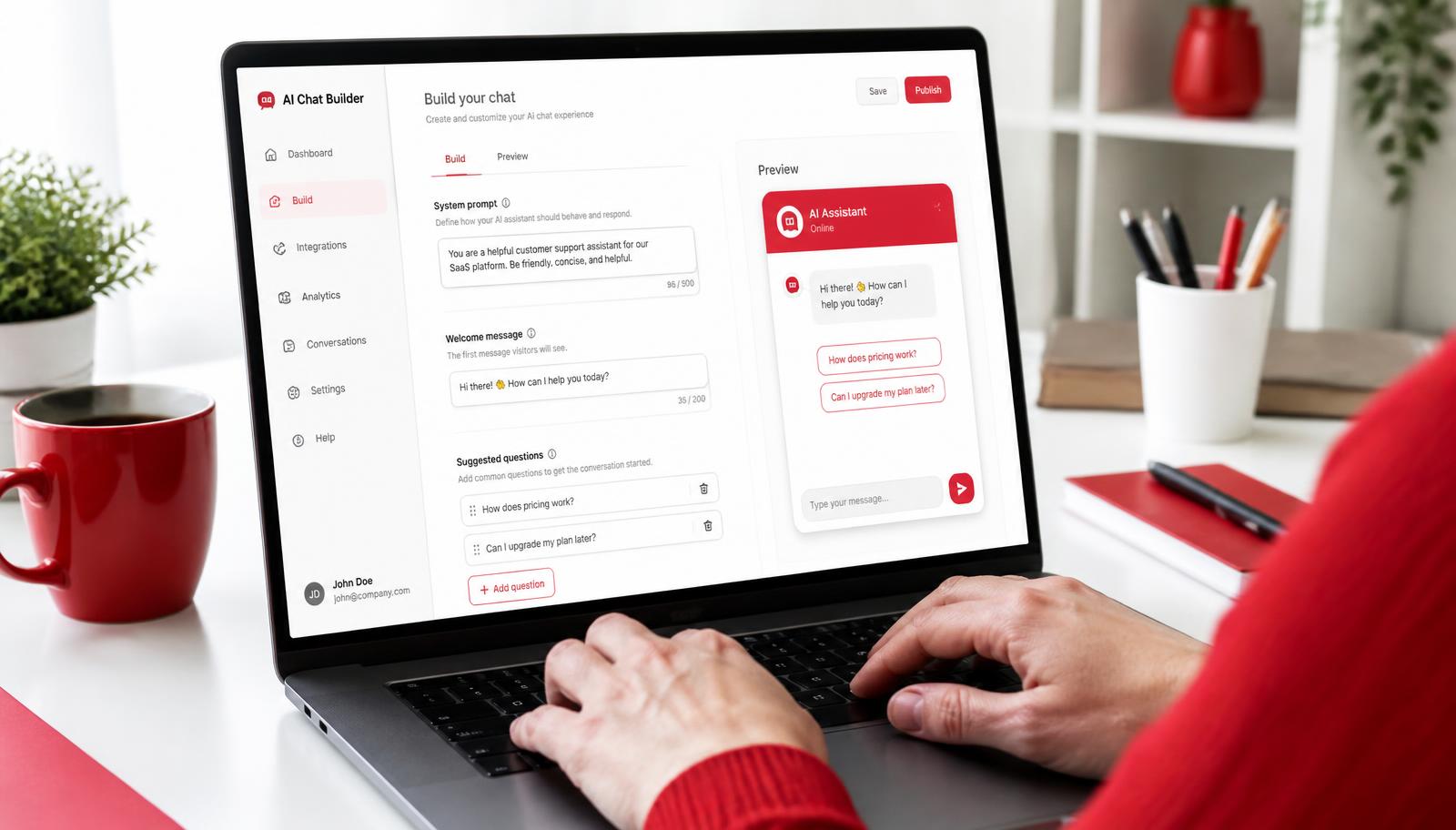
1. Open Lovable
Start a new Lovable project. No coding, you just talk to it in the chat.
Heads up: Shopify is not free
Shopify is a paid service. There is usually a starter deal of about $1 a month for the first 3 months, and after that it goes up to roughly $39.99 a month. Prices change, so check Shopify's pricing page for what it costs today. Lovable itself is where you start and it is free to try.
Copy this prompt into Lovable
Paste this in the Lovable chat and it will connect Shopify and build your payout page for you.
Connect Shopify to this project and build me a payout page.

On the payout page, show one product for each payout amount: $5, $10, $20, $60, $120 and $200.
Load them from Shopify with the Storefront API — no fake products.
The button must say "Pay this creator", never "Buy".
Clicking it adds the amount to a cart, and the cart goes to Shopify checkout so the payment is recorded.
Keep it simple: title, amount and the Pay button.
- 1
Start in Lovable, not Shopify
Open Lovable first and type 'connect Shopify' in the chat. Lovable creates or links the store and wires the checkout for you — far easier than setting it up by hand.
- 2
Sign up free
If you have no store yet, Lovable creates one for you, free to start.
- 3
Use the same email
Use the email you contact the sponsor with.
- 4
Send them the email
The sponsor links your payouts to that account.
- 5
Watch it land
Every payment is recorded, so you both have proof.
What Shopify gives you
- You see the exact amount when the sponsor sends the transaction
- A record of what was paid and when
- Proof for both sides — no arguing over payments
- Free tutorials and step-by-step help if you get stuck
No Shopify account, no payout. Set it up before you post so nothing holds up your money.